
First Launch
- Open the installed app from your home screen
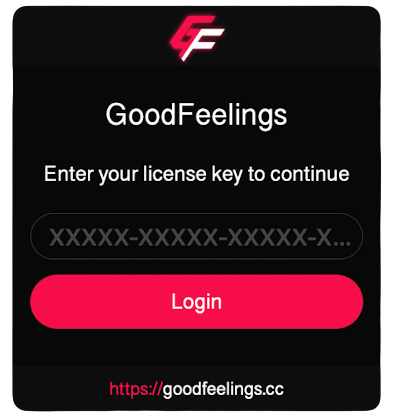
- The GoodFeelings login screen will appear
- Enter your license key (format:
XXXXX-XXXXX-XXXXX-XXXXX) - The app validates your key against the server and binds it to your device
- On success, the app loads and you're ready
Auto-Login
After the first activation, your credentials are stored securely in the iOS Keychain. You won't need to enter the key again unless you reinstall the app.
Activation Fails?
- Invalid key — Copy the key directly from Discord DM, don't type it manually
- Key expired — Check expiry in User Panel → Keys
- Wrong device — The key only works on your linked device
- Network error — Make sure you have internet. The app contacts the server during activation